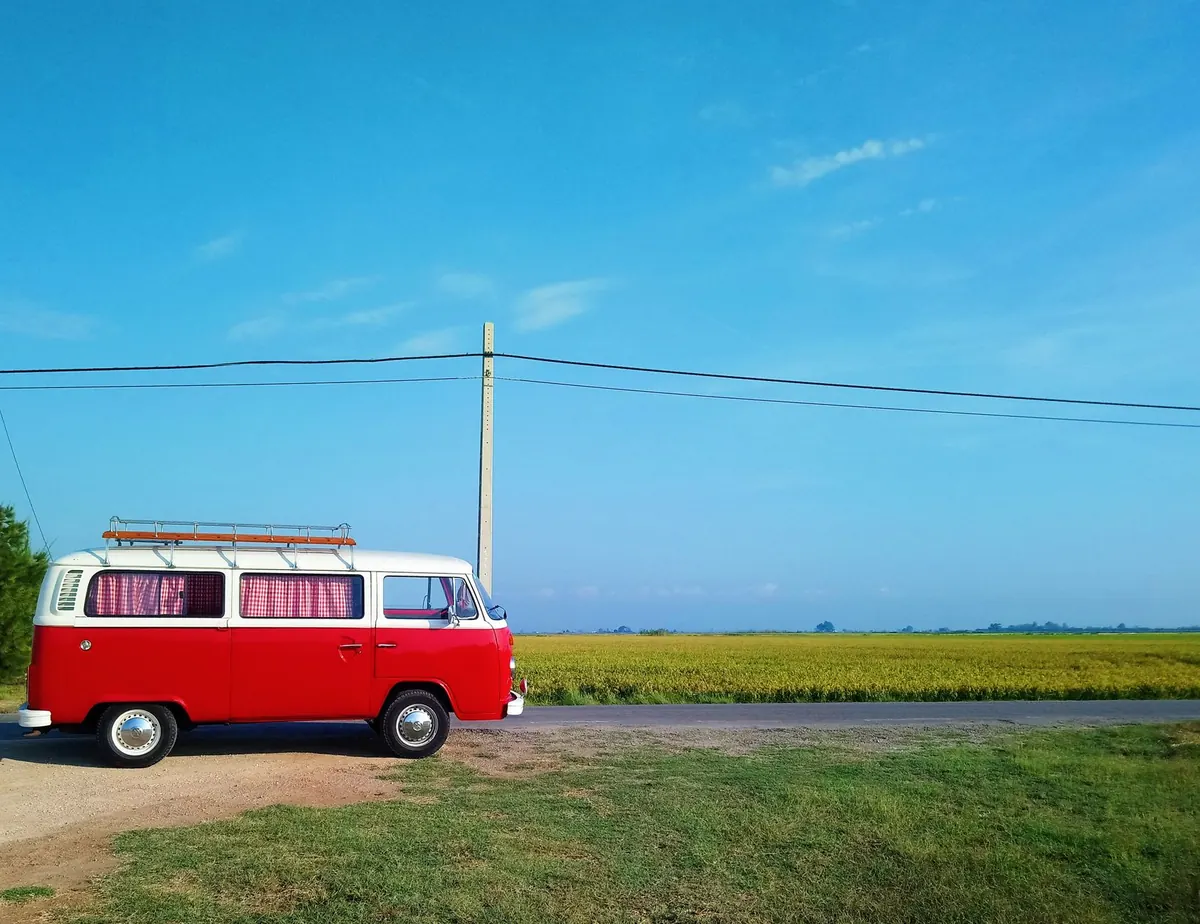
The photograph never mentions the battery. A laptop on a tailgate, a coffee, mountains behind it — lovely, but the reality of earning a living from a van is a spreadsheet of watt-hours, a router hunting for a mast, and one chair that has to do three jobs. None of that is a problem. It just needs planning before you leave, not at four o'clock on a Tuesday when a client wants a call.
Power First, Because Everything Else Rests On It
Think in two systems: the starter battery that turns the engine, and a separate leisure battery that runs your work kit. Never run a laptop, router and monitor off the starter battery for an afternoon; you will find out how flat it is in a car park with no jump leads.
Work out your daily demand before you buy anything. A laptop drawing 60W for six hours is roughly 360Wh. Add a router at 10–20W, a monitor, phone charging and lights, then add 15–20% for losses. That figure tells you what battery and solar capacity you actually need, rather than what looks impressive on a spec sheet.
Charging options, in order of usefulness
- Alternator via a DC-DC charger. The most dependable top-up when you move every few days, and the one that keeps working in a grey British November.
- Solar on the roof with an MPPT controller. Silent and free, but plan for less than you hope for between October and March.
- Mains hook-up. An hour on a campsite supply can undo a week of quiet anxiety about percentage remaining.
- A portable power station. Handy as a second bank for cameras, drones and phones without touching the van's wiring.
Do you need an inverter? Often not. Many laptops now charge over USB-C Power Delivery at 65–100W, and a 12V USB-C charger wastes far less energy than an inverter, which converts a chunk of your battery into heat. If you do run 230V gear, buy a pure sine wave inverter and mount it somewhere ventilated.
Between lead-acid and lithium, lithium (LiFePO4) gives you more usable capacity for the same nominal rating and tolerates deeper discharges, but it costs more and needs a charger with a lithium profile. Some cannot be charged below freezing without a heating mat, so check that detail if you plan to work through winter.
Mobile Internet: Two Networks Beat One
The biggest single upgrade is not a bigger data plan. It is a second network. Coverage maps lie at ground level, masts get congested in the evening, and a hill between you and the transmitter does not care what your contract promises.
A reliable setup looks like this: a 4G or 5G router with antenna ports, a roof-mounted antenna, and a data SIM. Then a phone on a different network as a hotspot backup.
What actually helps in a weak signal
- An external antenna mounted high on the roof, above anything metal. This matters more than the router model you choose.
- A router that lets you lock bands, so it stops clinging to a slow signal when a faster one is available.
- A mast-finder app on your phone, useful when picking where to park before a call-heavy day.
- Test calls. Check the connection ten minutes beforehand, and tell the client you may drop.
For Europe, check your contract's fair-use roaming limit rather than assuming it is unlimited. Outside the EU, local SIMs or eSIMs are usually cheaper and quicker than roaming. Satellite internet is now genuinely usable for remote work, though it draws more power and suits being parked rather than moving.
A legal note worth repeating: you must not use a hand-held phone while driving in the UK, and the same applies across most of Europe. Park lawfully with the engine off before you open the laptop.
Building a Desk in Two Square Metres
The best van workspace is a fixed surface, even a small one. A table that has to be assembled every morning becomes a table you avoid.
Height matters more than size. Set the surface so your elbows sit at roughly 90 degrees and the top of the screen is level with or just below your eyes. A laptop on its own base is almost always too low, which is how you end up with a stiff neck by Thursday.
The cheapest ergonomic upgrade is an external keyboard and mouse, with the laptop raised on a stand, a box or a stack of books. The second is a portable USB-C monitor. Even a 15-inch second screen changes how you work, and it can be powered from the laptop or a 12V USB-C socket.
Seating
A swivel captain's chair with adjustable back support is worth more than a clever table. If you work from the bench or the bed, a wedge cushion and a lumbar roll help, but nothing replaces a proper seat for long days. A footrest, even a storage box, lets you shift position.
Take breaks. Sitting cross-legged on a mattress with a laptop for four hours will find your back eventually. If you have persistent pain, see a physiotherapist or GP rather than pushing through it.
Working Around Weather, Noise and Data Limits
Solar and shade pull in opposite directions: you want the van cool and the panel lit. In summer, park nose-on to the sun so the panel catches light while the door side sits in shadow. In winter, accept the hook-up.
Noise is the other constraint. Noise-cancelling headphones, a pitch away from the road, and a library or café for the noisiest call of the week will cover most of it.
Video calls use far more data than email and documents. Know roughly what an hour costs you, and drop your resolution near the end of a plan. A short, agreed line such as "if I drop, I'll call back in two minutes" saves more goodwill than any gadget.
A Sensible Starter Order
- A separate leisure battery, properly fused, with a DC-DC charger from the alternator.
- A router with antenna ports, plus two SIMs on different networks.
- A proper seat and a fixed table at the right height.
- External keyboard, mouse and a laptop stand.
- Solar if you have roof space; a hook-up cable if you don't.
- A USB-C monitor, once the basics are working.
Start With Power and Signal, Then Fiddle With the Desk
Everything else is preference. Get the electrics right and know where your signal comes from, and the desk, the monitor and the coffee routine will settle into place as you go. Do one long test trip before you commit to a client's schedule, ideally somewhere with a weak signal and no hook-up. If the setup survives that, it will survive a Tuesday.
One caveat: van electrics involve real risks, particularly around fusing, cable sizing and ventilation. If you are not confident working safely with 12V systems, pay someone qualified to do it.
Photo: Sergi Montaner / Pexels